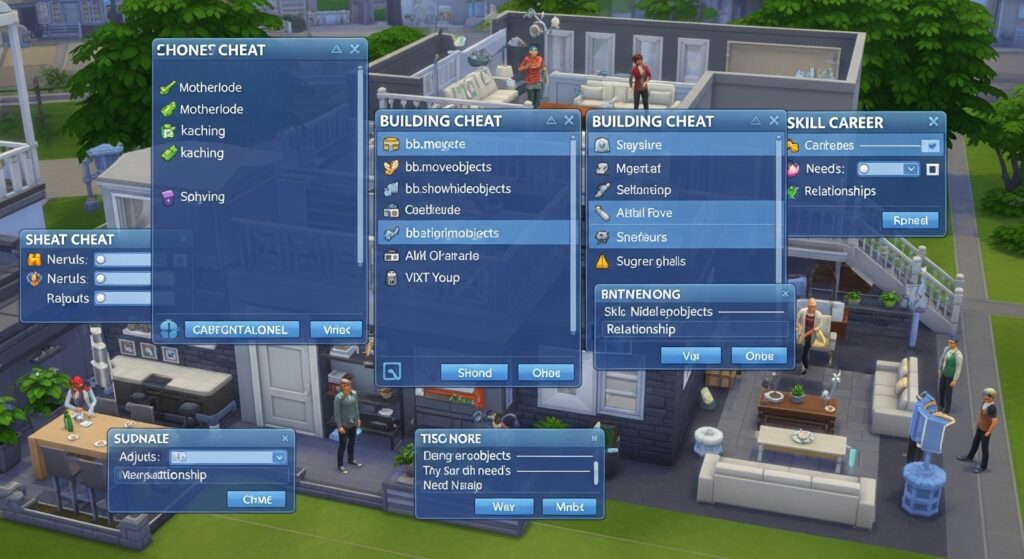
The Sims 4 is a life simulation game that allows players to create and control virtual characters, build homes, and simulate everyday life. While the game offers a wealth of features, certain aspects—like adjusting moods, needs, or money—can be time-consuming when done through standard gameplay mechanics.
This is where UI cheats come in. Unlike traditional cheat codes that require console commands, UI cheats integrate directly with the game interface, allowing players to modify game elements by interacting with objects or Sim profiles. These cheats provide a faster, more intuitive way to customize gameplay and experiment with different scenarios.
UI cheats are particularly popular among players who enjoy building, storytelling, or testing different life situations without waiting for long in-game timers.
What Are UI Cheats?
UI cheats are modifications to The Sims 4 that allow players to change game values through the user interface (UI) rather than typing commands in the cheat console.
For example, players can instantly:
-
Fill a Sim’s needs like hunger, energy, or fun
-
Adjust moodlets and emotional states
-
Increase or decrease money
-
Modify skill levels and career progress
These cheats are often implemented using mods such as the UI Cheats Extension, which is compatible with most game versions and updates. Once installed, it enables direct interaction with the game interface to adjust values in real-time.
Key Features of UI Cheats
1. Needs Adjustment
With UI cheats, players can instantly refill a Sim’s hunger, energy, hygiene, fun, social, or bladder needs. This is particularly useful when running multiple households or testing gameplay scenarios.
For example, hovering over the hunger bar on a Sim and using the UI cheat mod can instantly max the meter without waiting for a meal or fridge interaction.
2. Mood and Emotion Control
UI cheats allow players to manipulate Sim emotions directly. Players can give Sims happiness, anger, sadness, or other emotional states at the click of a button.
This is great for storytelling or creating dramatic scenarios, such as forcing a Sim to stay happy during a party or testing interactions that rely on specific emotions.
3. Money and Career Cheats
UI cheats let players adjust household funds without typing standard money cheat codes. Players can instantly increase or decrease their Sim’s money or modify career progress.
For example, a Sim can be promoted instantly or receive a salary boost directly from the UI, saving time and effort.
4. Skill and Aspiration Management
Players can increase skill levels, complete aspiration milestones, or unlock rewards instantly using UI cheats. This allows experimentation with different skill combinations or testing interactions without extensive gameplay.
For example, a Sim can instantly max their cooking skill to unlock advanced recipes and interactions.
5. Direct Object Interaction
Many UI cheats extend to objects. Players can instantly refill fridges, change object states, or reset broken items. For builders, this means less frustration and more creative freedom.
For example, a pool or hot tub can be filled instantly, or a broken stove can be repaired without sending a Sim through the repair process.
How to Install UI Cheats
Installing UI cheats usually involves downloading a mod, such as the UI Cheats Extension:
-
Download the Mod: Find the latest version from a trusted source.
-
Extract Files: Unzip the downloaded mod files.
-
Place in Mods Folder: Move the files to the Sims 4 Mods folder, typically located in
Documents/Electronic Arts/The Sims 4/Mods. -
Enable Mods: In-game, go to Settings → Game Options → Other → Enable Custom Content and Mods, then restart the game.
Once installed, UI cheats appear as clickable options when interacting with Sim needs, moods, or objects.
Benefits of Using UI Cheats
-
Time Efficiency: Instantly adjust values without waiting for in-game timers.
-
Storytelling Freedom: Easily create scenarios or drama without gameplay restrictions.
-
Testing Gameplay: Useful for builders, modders, or players testing custom content.
-
Accessibility: Makes the game more accessible for players who prefer control over simulation pace.
Potential Drawbacks
-
Game Balance: Using UI cheats extensively may remove challenges, potentially reducing long-term engagement.
-
Mod Compatibility: Some cheats may conflict with other mods, requiring careful management and updates.
-
Learning Curve: New players might need time to learn all UI interactions and mod features.
Popular UI Cheat Mods for The Sims 4
-
UI Cheats Extension by Weerbesu: The most widely used mod, enabling nearly all UI-based cheats.
-
MCCC (MC Command Center): Though primarily a management tool, it also integrates some UI cheats for household and Sim control.
-
Slice of Life UI Mods: Combines enhanced gameplay with UI cheat functionalities for emotional and needs management.
Tips for Using UI Cheats Safely
-
Backup Saves: Always backup your save files before installing or using mods.
-
Check for Updates: Ensure mods are updated after game patches to prevent crashes.
-
Moderation: Use UI cheats to enhance gameplay, not replace all mechanics, to maintain engagement.
-
Trusted Sources: Download mods only from reputable websites to avoid malware or corrupted files.
Conclusion
UI cheats in The Sims 4 revolutionize the way players interact with the game by providing direct control over needs, moods, money, skills, and objects. By integrating with the game interface, these cheats save time, enhance storytelling possibilities, and allow creative experimentation.
While they are powerful tools, moderation and proper installation are key to a stable and enjoyable gaming experience. For players who want to unlock hidden potential and simplify management, UI cheats are an essential addition to The Sims 4 toolkit.